 1 CREDIT PER IMAGE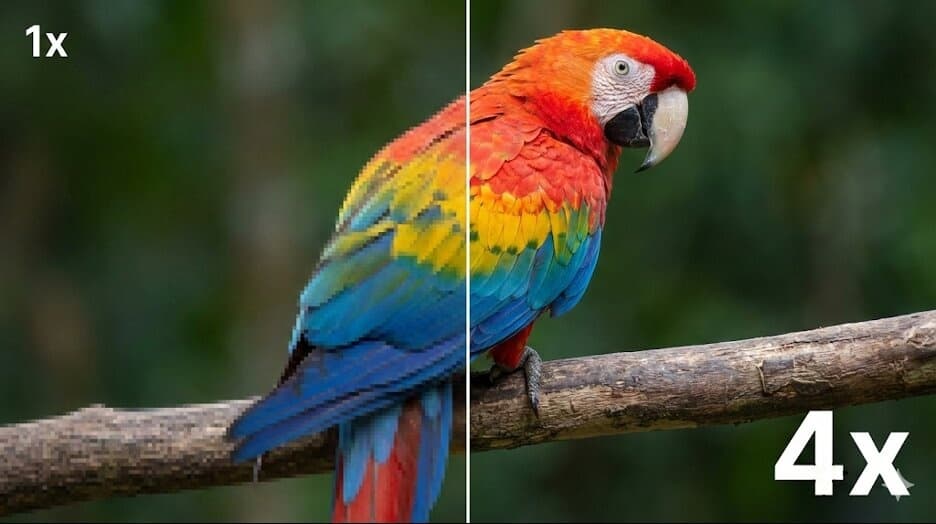
1Select Settings
Scale Factor
Enhancement Mode
2Upload Image
Drag and drop an image here
or click to browse
Supports PNG, JPG, WEBP up to 10MB
JPG · PNG · WebP
Input formats
2x or 4x
Upscale options
Up to 16 MP
Output size
Private
Secure processing
Professional Power, Simplified
Everything you need to produce studio-quality visuals without expensive software.
Faithful AI Upscaling
Increase resolution while keeping the original composition, colors, and edges recognizable.
Artifact Reduction
Reduce JPEG blocks, pixelation, and digital noise while the image is enlarged.
Optional Face Enhancement
Use portrait mode when faces need extra clarity, with a warning when AI may infer detail.
Account-Protected Files
Uploaded originals and finished files require authentication and are accessible only to the task owner.
Three steps to crystal clear
Upload, enhance, download — it's that simple.
Upload Image
Drag and drop any low-resolution photo or select from your device.
Choose Scale
Select 2x or 4x and choose Standard or Portrait enhancement mode.
Download HD
Preview the result and download a high-quality PNG when processing finishes.
AI image upscaling FAQ
What to expect before you enhance a low-resolution image.
Can AI recover detail that is completely missing?
No upscaler can guarantee recovery of information that is absent from the source. AI can reduce artifacts and infer plausible texture, so keep the original file when accuracy matters.
Does 4x always mean a 4K image?
No. 4x multiplies both the width and height of the source. The upload panel shows the estimated output dimensions so you can see whether the result reaches your target size.
When should I use portrait mode?
Use it for personal portraits and family photos with small or soft faces. Avoid generative face enhancement for passports, identity documents, forensic evidence, or any workflow where facial identity must remain exact.
Which formats are supported?
You can upload JPEG, PNG, or WebP images. Finished files are delivered as high-quality PNG downloads.
Ready to enhance your images?
Start for free — no credit card required. Get 10 free credits on sign-up.